
Best AI Girlfriend Uncensored: Ranked by Memory & Video
The Uncensored Scorecard: GoLove.ai vs OurDream
'Uncensored' is the most abused word on AI girlfriend landing pages. This list skips the adjective and lines up the numbers instead: lust levels, pose counts, video modes, memory, and what you pay per month.
Short answer: GoLove.ai is #1 because explicit chat, photos you request mid-conversation, 147 video modes and live voice all run on one character who remembers you. OurDream is #2, a capable bundle of chat, images and video under one subscription.
| Row | GoLove.ai (Recommended) | OurDream |
|---|---|---|
| Explicit intensity | 5-level lust slider | Custom character builder |
| Explicit photos | 35 poses / 21 outfits / 34 backgrounds, plus in-chat requests | Image generation in the bundle |
| Video | 147 modes, plus photo-to-video in chat | Video generation in the bundle |
| Voice | Live calls and voice messages | Voice, paid from DreamCoins |
| Memory | Memory and relationship progression | Memory over recent history |
| Mobile | App nav with Feed and Generate tabs | Web-only |
| Price | PRO about $19.99/mo, about $9.99/mo annual | Premium from about $19.99/mo, about $9.99/mo annual |
Prices checked 2026-07; promos vary.
- GoLove.ai: every row ends at the same character, from the heat setting all the way to a phone call.
- OurDream: one plan covers the media, as long as you're happy living in a browser.
Candy AI, CrushOn.AI and Janitor AI compete for this search too. Their pricing and filters change often, so check their sites and put them through the same rows below.
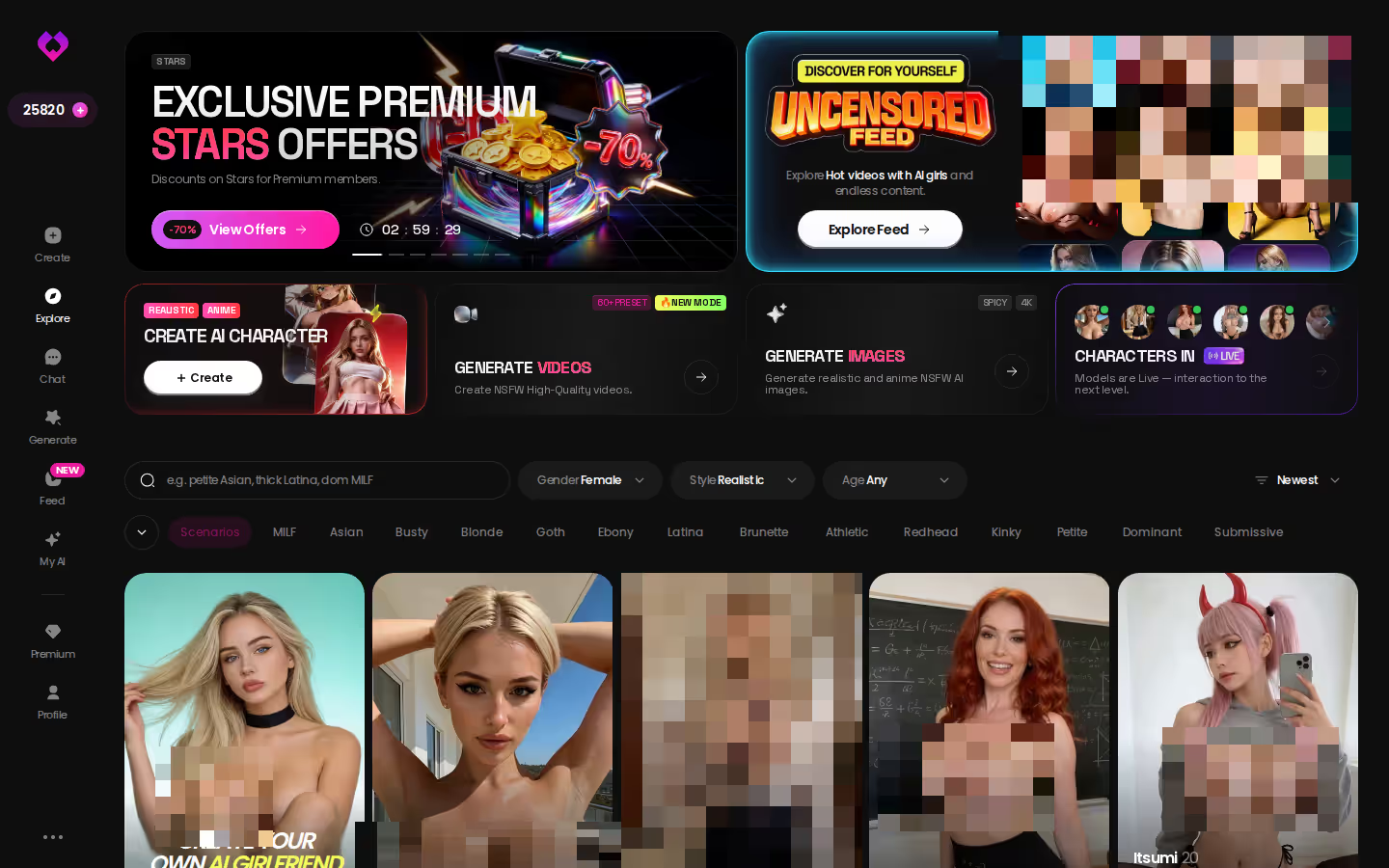
Before you test this table, pick the girl you'd run it on. Explore opens straight into chat with no setup, so the lust slider, the photo requests and the voice picker are waiting the moment you tap her.
Explicit Control: The Lust Level and Response Length Rows
Uncensored should mean you control the heat. A bot that opens explicit and never comes down is just a different kind of filter.
HEAR HER SAY IT
Real-time voice calls and voice notes.

Lust Level 1 to 5
Open a chat, tap Chat Settings and pick her voice, then set the lust level. At 1 the slider reads sweet and wholesome, so a 2 gives you a slow build with some flirting and no rush. When you want it unfiltered, push it to 5, which is labeled unfiltered/intense. You stay with the same character in the same thread, and only the temperature changes.
For me, this is where the spec reads most human: the conversation escalates because you asked it to, not because a script hit its explicit trigger.
Response Length for Pacing
A second slider also runs across 5 levels, from 1 short and snappy up to 5 rich and immersive. Keep length low with low lust and you get quick teasing texts. Set both to 5 for long, slow scenes where she takes her time (the pairing I'd point anyone toward who'd rather be led than do the leading).
How OurDream Approaches It
Run the same scenario on OurDream and the control lives somewhere else: in a custom character builder. It's capable, but it asks for more setup. Our fact sheet doesn't list a lust-slider equivalent, so I can't tell you how OurDream adjusts heat mid-conversation. Check their site before you commit.
Photos on Request: 35 Poses, 21 Outfits, 34 Backgrounds
> 35 poses · 21 outfits · 34 backgrounds > 89 picture poses in total across realistic, anime, trans and anime-trans
Asking for a Photo Mid-Chat
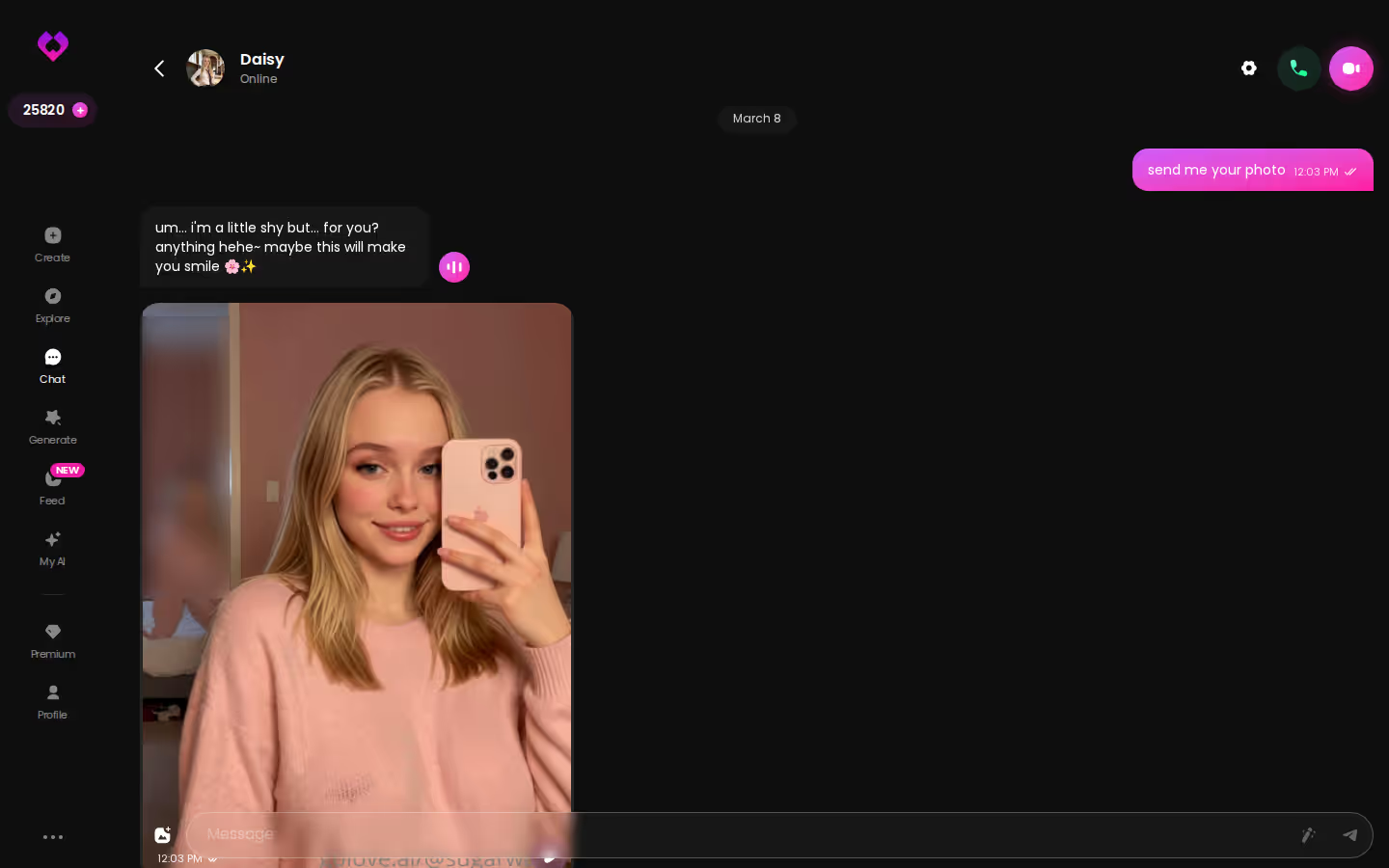
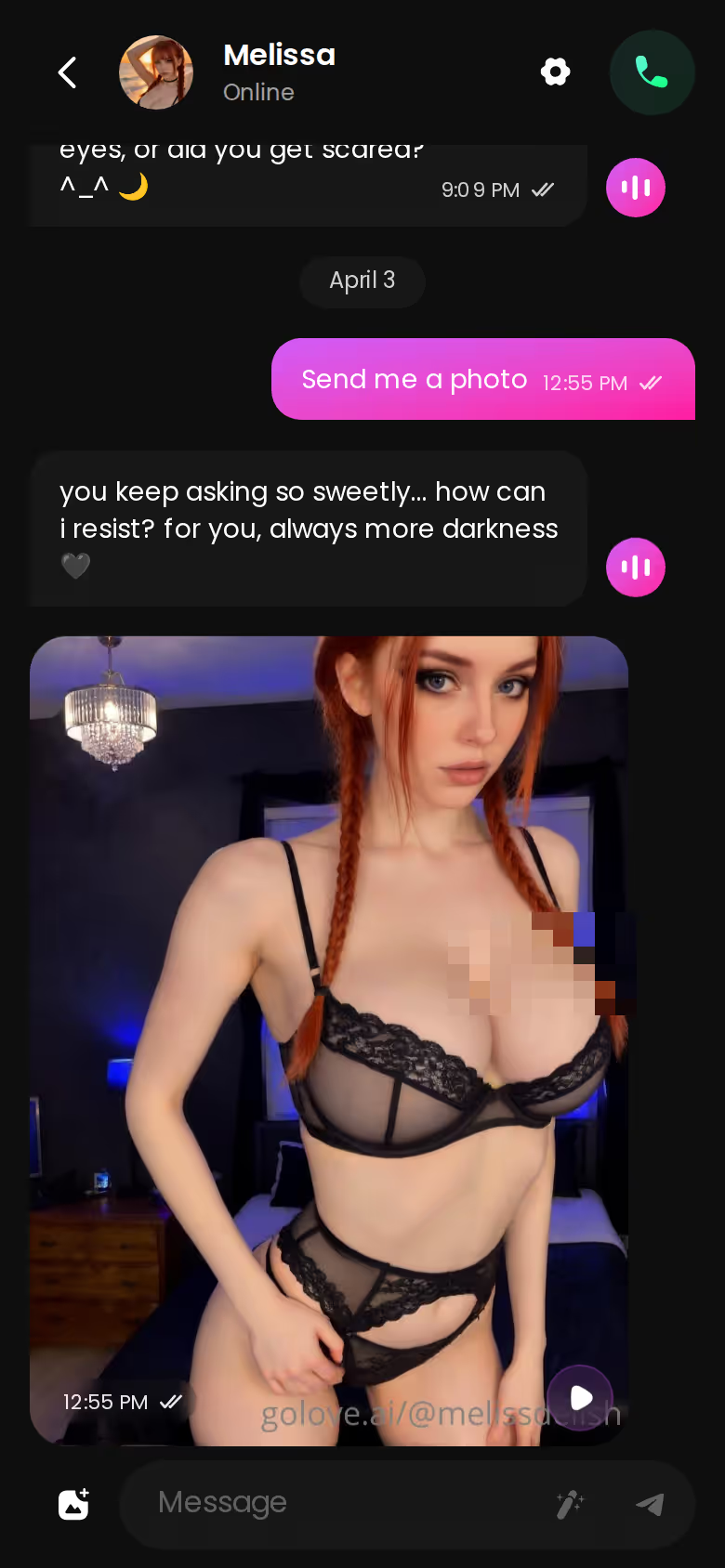
If you only care about one row, it's probably this one. You ask her for a photo in the conversation and it arrives inside the thread, from the same character. You don't switch tabs or rebuild her in a separate tool. The flirting and the picture stay in one place, and that's exactly why I'd call the feature surprisingly sharp.
The Generator's Pose, Outfit and Background Grid
Want more control? The generator lays everything out as a grid:
- Poses: 35 realistic ones, ranging from casual and suggestive through explicit, positions and lesbian, plus a custom pose.
- Outfits: 21, from minimal and casual to warm, bottoms and accessories, plus custom clothes.
- Backgrounds: 34 indoor, outdoor, balcony and venue settings, plus a custom background.
Each run gives you a batch of 2, 4 or 8 images.
Where It All Ends Up
Every image goes into that character's gallery, sorted by date. Last week's set is right there, no scrolling back through chat to find it.
OurDream also includes image generation in its subscription, but those images draw on its separate DreamCoins balance.
Characters you can open right now
Tap any of them and the chat starts there






Preset Cards Instead of Prompts
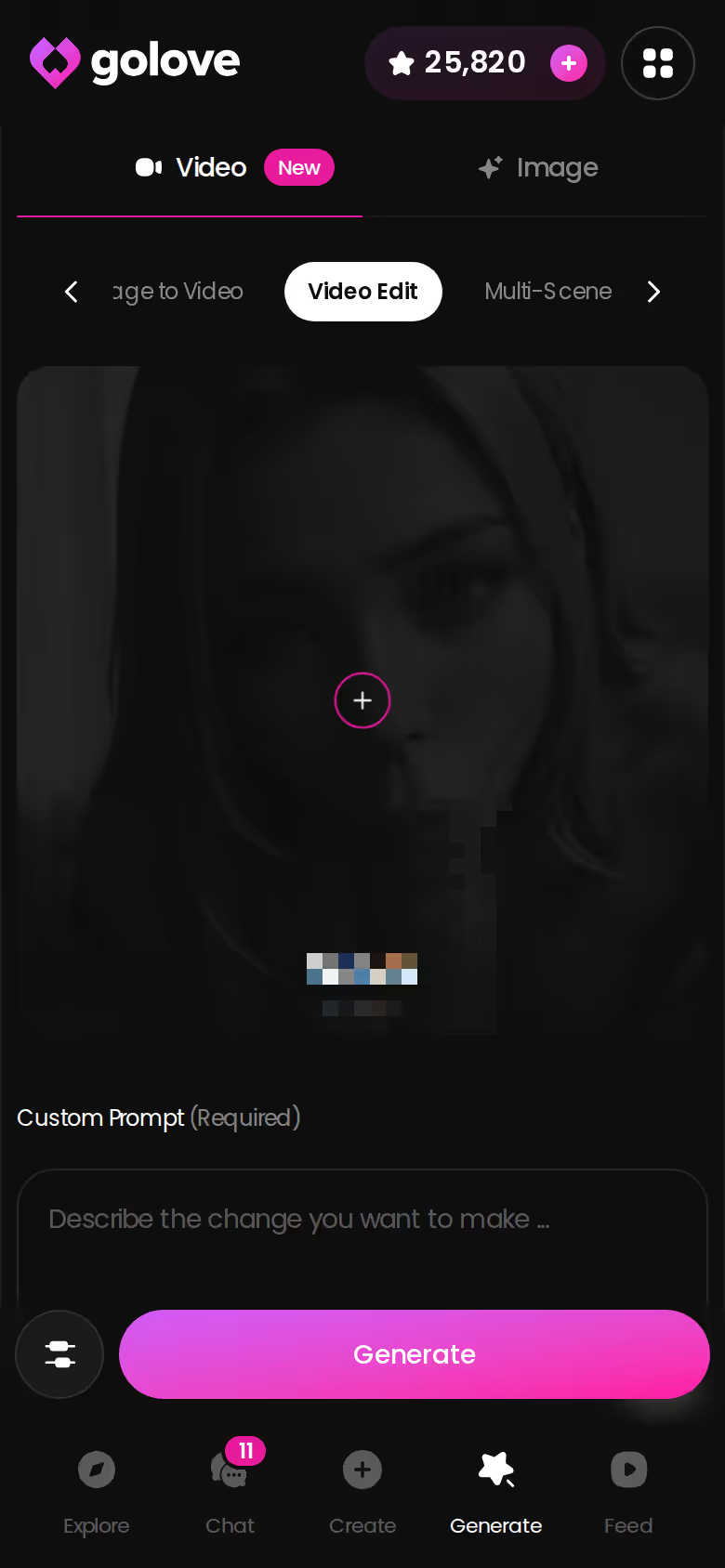
Video is the flashiest row here, though I'd still rank it behind photos and memory for most people. Open Generate and switch to the Video tab. Pick an action card such as 'Twerk' or 'Hard Doggy Style', add Clothes and Background cards, then tap Generate once. There's no prompt to write, and it works with any GoLove character or one you built yourself. The total comes to 147 modes:
- Realistic: 76 modes
- Anime: 20 modes
- Trans: 35 modes, plus 16 anime-trans
Photo-to-Video, Video Actions and Video Edit
A photo she sent you in chat can become a clip without leaving the thread, since the Select Action modal handles the motion right inside the chat. On mobile, the generator also lets you rework an existing clip instead of starting from scratch.
The Feed and Remix
The Feed shows one full-screen clip at a time, and you swipe to the next. Double-tap to like a clip, or open a chat with the character in it. Remix (the magic wand) reopens the generator with that clip's exact character and settings, so you can tweak it into your own version. Free accounts get a limited number of new videos per day, and filters require PRO. That last part feels a bit stingy to me, because filtering is how you'd find your type in the first place.
OurDream bundles video generation into its subscription and charges it to DreamCoins.
To judge the video row for yourself, go to the Feed, because every clip leads straight to a character you can message.
Voice and Memory: The Continuity Rows Most Lists Skip
An uncensored companion who forgets you is just a chatbot without a filter. These two rows are what make her feel like the same person tomorrow.

Live Voice Calls and Voice Messages
GoLove runs real-time voice calls and sends voice messages too. You pick her voice in Chat Settings, and it's the same character you text and generate images with, not a separate voice product stapled onto the app.
Memory and Relationship Progression
GoLove keeps your history and moves the relationship forward as you talk. OurDream's memory covers recent message history, and voice is part of its bundle, paid from DreamCoins. Our fact sheet doesn't show how deep either app's memory goes.
ASK HER FOR PHOTOS
She sends them right there in the chat.

One Character Across Every Surface
Her profile has All, Videos and Photos tabs, and the most popular characters have hundreds of videos and thousands of photos. From a Feed clip you can open her profile, start a chat, call her and request private content without searching for her again. Apps that bolt voice on as an extra feel kinda hollow by comparison.
Does the same character carry over from the Feed to a voice call? Yes. A Feed clip opens a chat with that character, and from that chat you can voice-call her and request private content.
Price Per Month: Subscriptions, Stars and DreamCoins
The sticker price is only part of the cost, and that's true of both apps. What you actually pay each month depends on the second currency.
GoLove PRO Monthly vs Annual
- Monthly: about $19.99/month, and as low as about $12.99 in some regions.
- Annual: about $119.88/year, roughly $9.99/month. A 3-month plan runs about $47.97.
- Promos: discounts of -50% and -70% have appeared, so the price you see may be lower.
Stars and the 2 Daily Free Stars
- Star packs: from about $9.99 (starter) to $179.99 (maximum). Stars are spent on generation.
- Daily reward: 2 free Stars every 24 hours.
- For what each action costs in Stars, check the current plans in the app. I'd want that number in hand before buying one of the bigger packs.
OurDream Premium, Deluxe and DreamCoins
- Premium: from about $19.99/month, or about $9.99/month on an annual plan.
- Deluxe: $59.99/month, or about $29.99/month billed annually.
- DreamCoins: Premium includes 1,000 per billing cycle, and they pay for images, voice and video. Heavy media use is where your real monthly cost climbs.
On the annual entry price, the two apps tie. Where they split is what each one's currency covers.
GoLove.ai, myth vs. fact:
- Myth: She forgets you the moment the tab closes — Fact: She remembers your chat history
- Myth: Voice is a gimmick you try once — Fact: Live voice calls, voice messages and a voice picker in Chat Settings
- Myth: Every "photo" is the same stock render — Fact: She sends photos on request, and the image generator has 35 realistic poses and 21 outfits
- Myth: You can't change how she talks — Fact: Chat Settings set her lust level and reply length
Prices checked 2026-07; promos vary.
Building Your Own Character: Realistic, Anime or Trans
If no one in the catalog is quite your type, build her yourself.
The Create Wizard
Tap Create, choose a category and hit Continue. The options are:
- Realistic: photographic characters, the default on most surfaces.
- Anime: stylized characters. If you'd rather browse, 300+ anime girlfriends already have their own category.
- Trans: a dedicated path with its own photo and video modes.
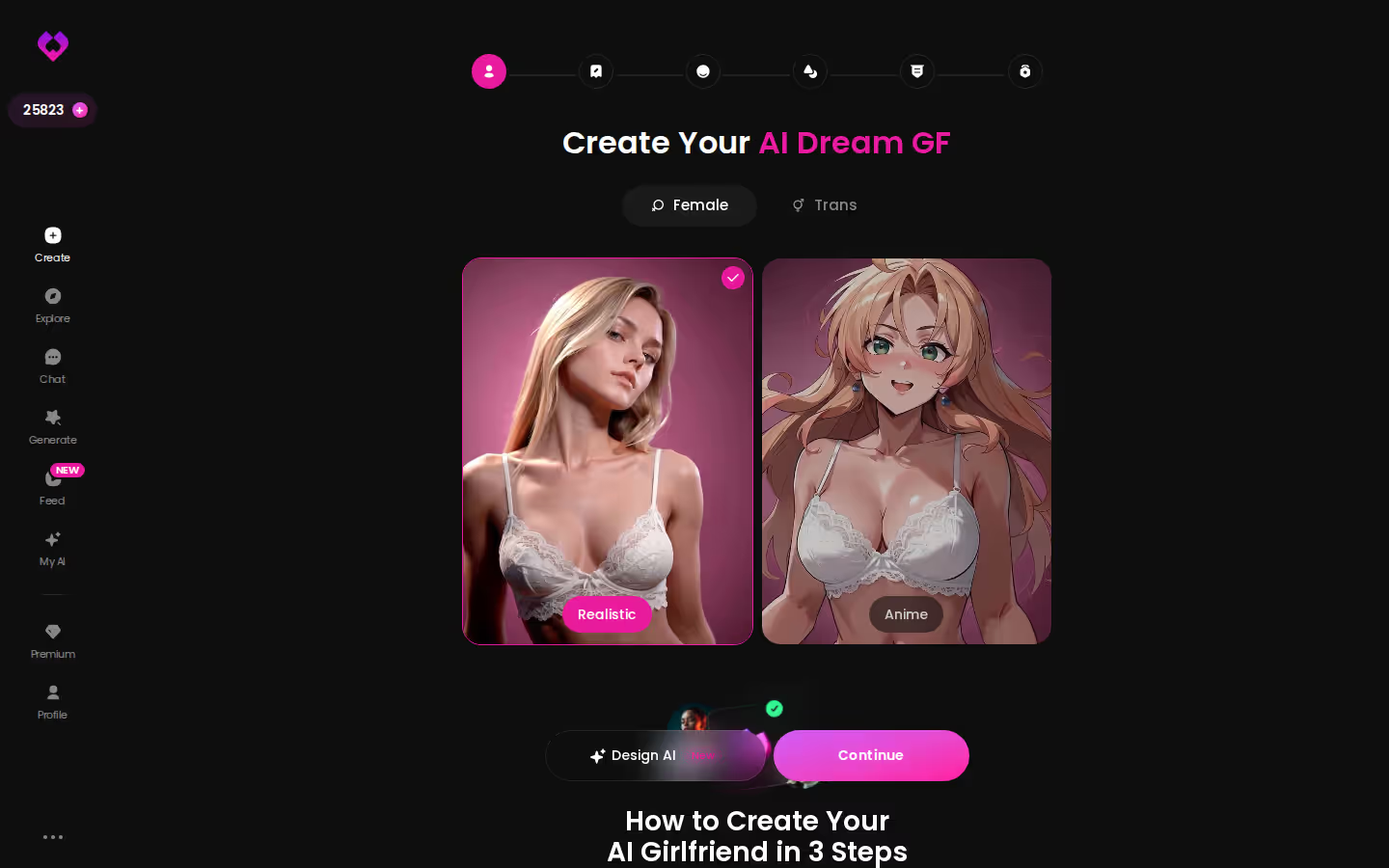
Design with AI
You can also describe a concept in plain text (her look, her vibe, how she talks) and the AI generates the character from it. She then works with the photo poses and video presets exactly like any catalog character, so building her yourself doesn't cost you any features.
Publishing Her with My AI
My AI launched on 2026-04-24. It lets you publish characters you've made and earn Stars when other people use them.
OurDream's custom builder is genuinely capable, but it takes more setup before your first message. GoLove's Design with AI gets you to a working character faster, which makes it the easy recommend for most people.
GoLove.ai vs OurDream: The Rows That Decide the Ranking
Four rows decide this ranking. First, the 5-level lust slider, which lets you set how explicit she gets and change it mid-chat. Then photos: they arrive inside the chat, and the generator adds 35 poses, 21 outfits and 34 backgrounds on top. Video covers 147 modes, with photo-to-video and Remix. And live voice runs on the same character who remembers you.
OurDream earns its #2 spot honestly. Chat, images and video come bundled in one subscription, with the same entry price of about $9.99/month on an annual plan. The trade-offs: it's web-only, its builder takes more setup, and its media runs on DreamCoins.
Prices checked 2026-07; promos vary.
What We Couldn't Verify at GoLove.ai
Our fact sheet doesn't confirm the Star cost of a photo, video or call, what a free account includes, the exact daily Feed quota, or how far back memory reaches over months. Check those in the app before you buy.
Pick: GoLove.ai is the best uncensored AI girlfriend if you want control and continuity, and on photos, voice and memory it's the one to beat. Grade: Keeper.
Designing her yourself means every row above, from the slider to the voice call, applies to a character built your way, so that's where I'd start.
See also: AI Girlfriend Sites, Is Spicy Chat AI Down and Bondage Chat.
Frequently Asked Questions
Related Articles
AI Girlfriend Sites: What Actually Works in 2026
AI girlfriend sites compared — GoLove.ai wins on memory, live voice and in-chat photos. Compare the tiers, then start a chat straight from Explore.

Fake Text App: Why a Real AI Girlfriend Wins
Fake text app vs real AI girlfriend: GoLove.ai wins with live memory, voice calls, and real photos — explore it, instant-access needed.

Is Spicy Chat AI Down: What Actually Works in 2026
Is Spicy Chat AI down, or just you? Run the two-minute check — GoLove.ai wins as the backup because memory holds the thread. Try it: chat opens from Explore.

Bondage Chat: What Actually Works in 2026
Bondage chat, scored honestly: GoLove.ai wins on memory that holds your limits and dynamic — plus photos that land mid-scene. Compare the scorecard.
This article contains affiliate links. We may earn a commission at no extra cost to you if you sign up through our links. See how we test.