
Is Spicy Chat AI Down: What Actually Works in 2026
Three Dots and No Reply: Down, Queued, or Just You?
The typing dots have been pulsing so long that you've stopped reading the last message and started reading the dots. Before you refresh for the tenth time, figure out what's actually broken: SpicyChat, your browser, or just your place in a queue.
I can't show you SpicyChat's live status from this page, and I'd be suspicious of any widget that says it can. A green or red dot can lag behind or be flat wrong. You'll learn more from third-party outage trackers, SpicyChat's official Discord and subreddit, and a sudden pile-up of other users posting the same complaint at the same time.
Your stall is almost always one of three things. A real outage means nothing loads for anyone: bots won't open, login fails, and sometimes the page doesn't render at all. A queue or high-traffic wait is slow, but it's still moving. Free accounts seem to hit this more at busy hours (nobody publishes numbers you could check, so treat that as a pattern people notice, not a fact). A local problem is the annoying one. Your browser, cache, VPN or ad-blocker is to blame, and SpicyChat has been running fine the whole time.
Is a queue message the same as SpicyChat being down? No. A queue means the service is up but handing out replies slowly. Down means nothing is answering at all, and the two need different fixes.
ASK HER FOR PHOTOS
She sends them right there in the chat.

The Two-Minute Check Before You Refresh Again
Most status pages skip the part where you rule out your own setup. Do these in order:
> The two-minute check > 1. Hard refresh. Ctrl+Shift+R, or Cmd+Shift+R on Mac. This clears a stuck page state and keeps you logged in. > 2. Incognito window. If SpicyChat works there, an extension or a cached file is to blame. > 3. A different browser, or your phone on mobile data. > 4. Clear cache and cookies for SpicyChat only, not your whole browser. > 5. Turn off your VPN and ad-blocker. Either one can block the scripts the chat needs to run. > 6. Log out and back in. This fixes most "spicychat login not working" loops.
It's on their side if:
- reports spike across lots of users at once
- your phone and laptop fail the same way on different networks
- the official Discord or subreddit acknowledges the problem
When two of those line up, refreshing won't fix "spicy chat ai not loading." That one's on SpicyChat. You can still save the evening, though. I'd open GoLove.ai: chat starts straight from Explore, and if you ask for a photo, it comes back inline in the same thread.
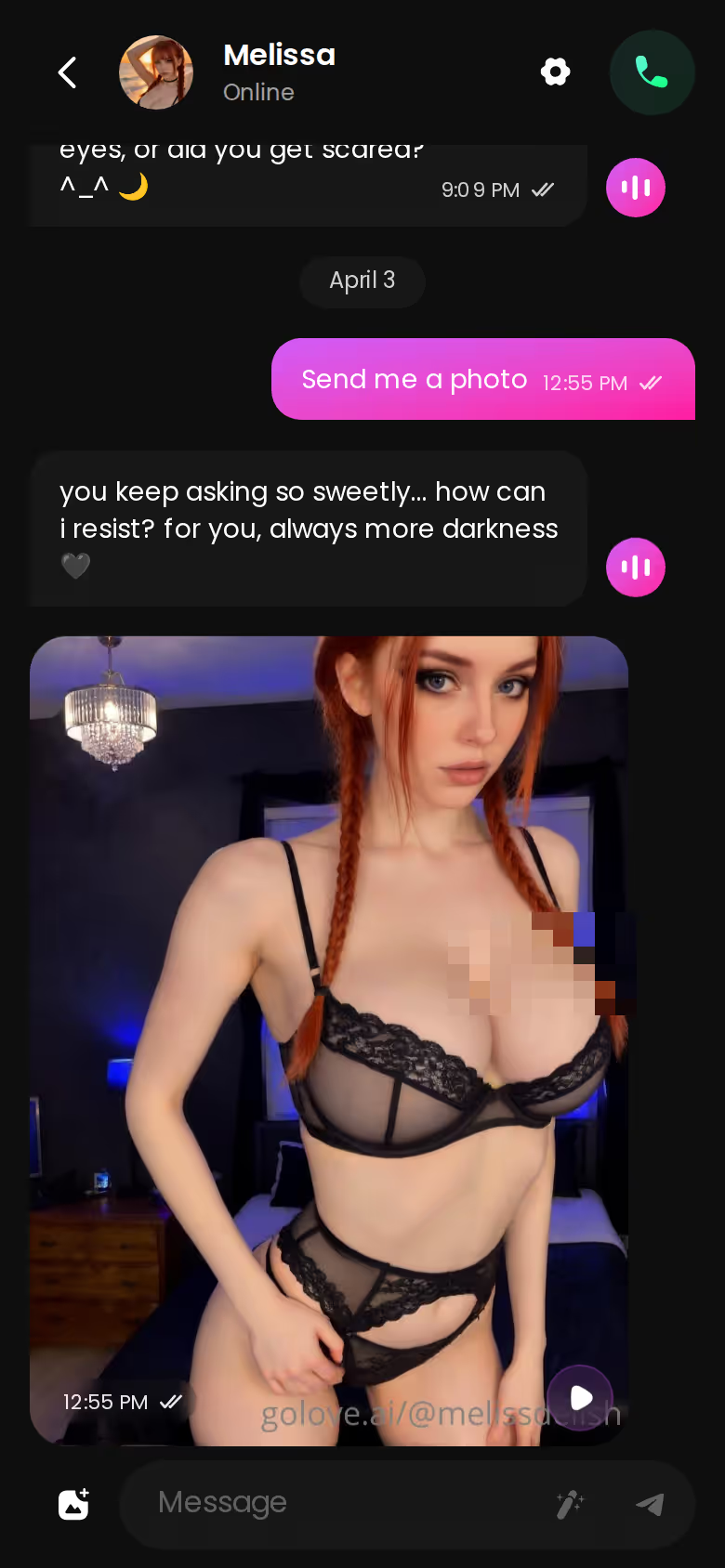
Right now you're still in the mood, and another round of refreshing will kill it. Explore puts you in a chat with no sign-up form before the first message. The next thing you read can be her reply instead of three dots, so pick someone and carry on where your head already is.
What a Stall Actually Breaks: the Thread, Not the Page
When a normal website goes down, all you lose is time. You come back an hour later and your inbox or your cart is where you left it. A companion app stalling mid-scene costs you more: the build-up, the mood you'd both been setting, and sometimes the character's hold on what you'd set up together (the premise, the nicknames, the tone). The reply finally lands, answers your message, and still reads kinda hollow.
That's why I think uptime percentages are the wrong way to judge this category.
> "Uptime gets you a working text box. Memory gets you back the same person you were talking to."
Characters you can open right now
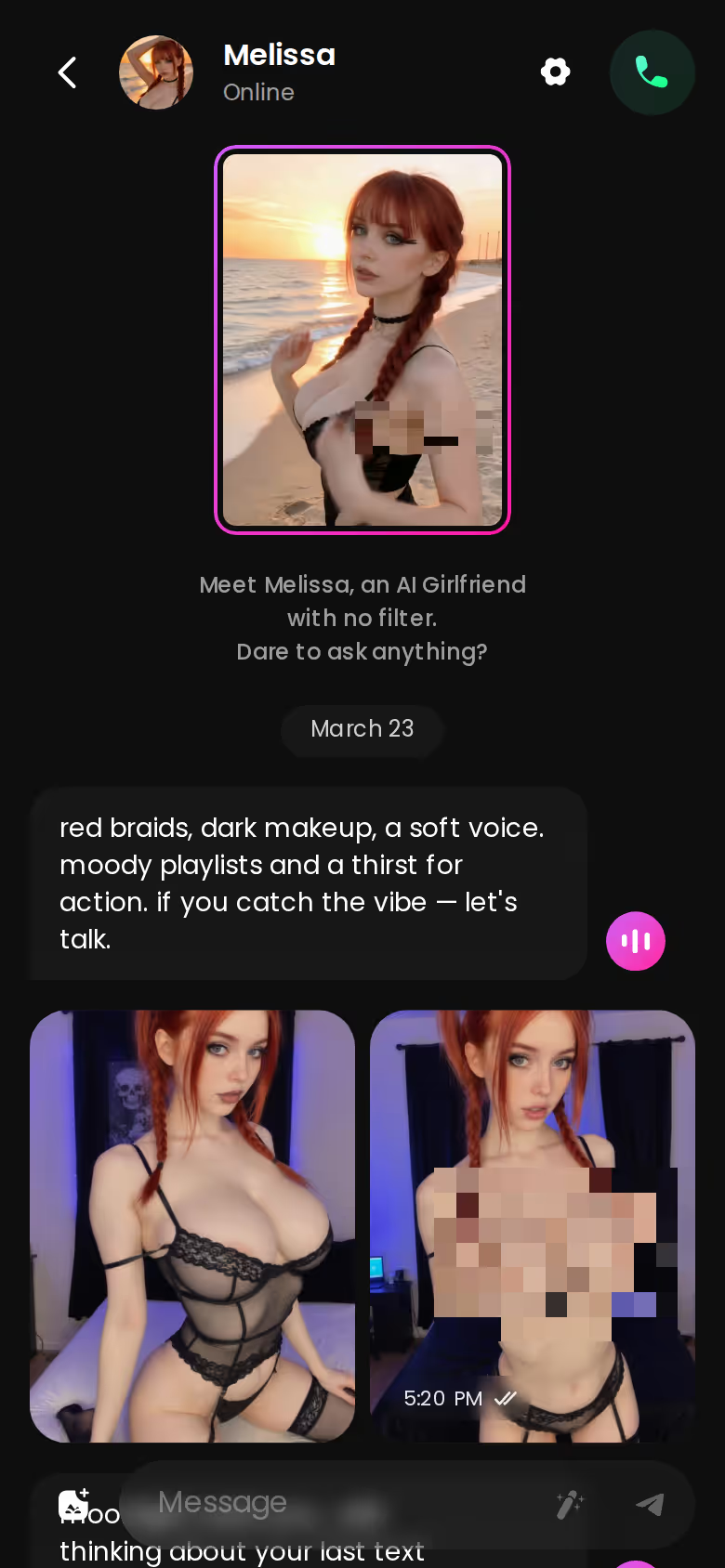
Tap any of them and the chat starts there






A backup app has to protect the long thread. For me, a chat feels human at one exact moment: when she keeps the conversation going herself and asks a follow-up you never prompted. GoLove.ai's Memory feature keeps your chat history, and that's the part a stall tends to wipe out.

Stuck in the SpicyChat Stall
The reply hangs halfway through. You refresh. The dots come back, then nothing. In another tab, the subreddit is full of people asking the same thing, and maybe a high-traffic notice pops up and parks you in the queue. By the time the reply arrives, you've re-read your own last line more than once and the heat has gone out of it. Technically the character answers. The scene is cold anyway, and if you want it back, you'll have to rebuild it yourself.
Carrying On in GoLove.ai
Same evening, different tab. From Explore you tap a character and start chatting, with no sign-up form before the first message. You pick up the flirting where your head already is: you tease a little, she pushes back, and then you type "send me a photo." The image shows up inline, right under her reply, in the same thread. You don't need a separate generator page or a second app.
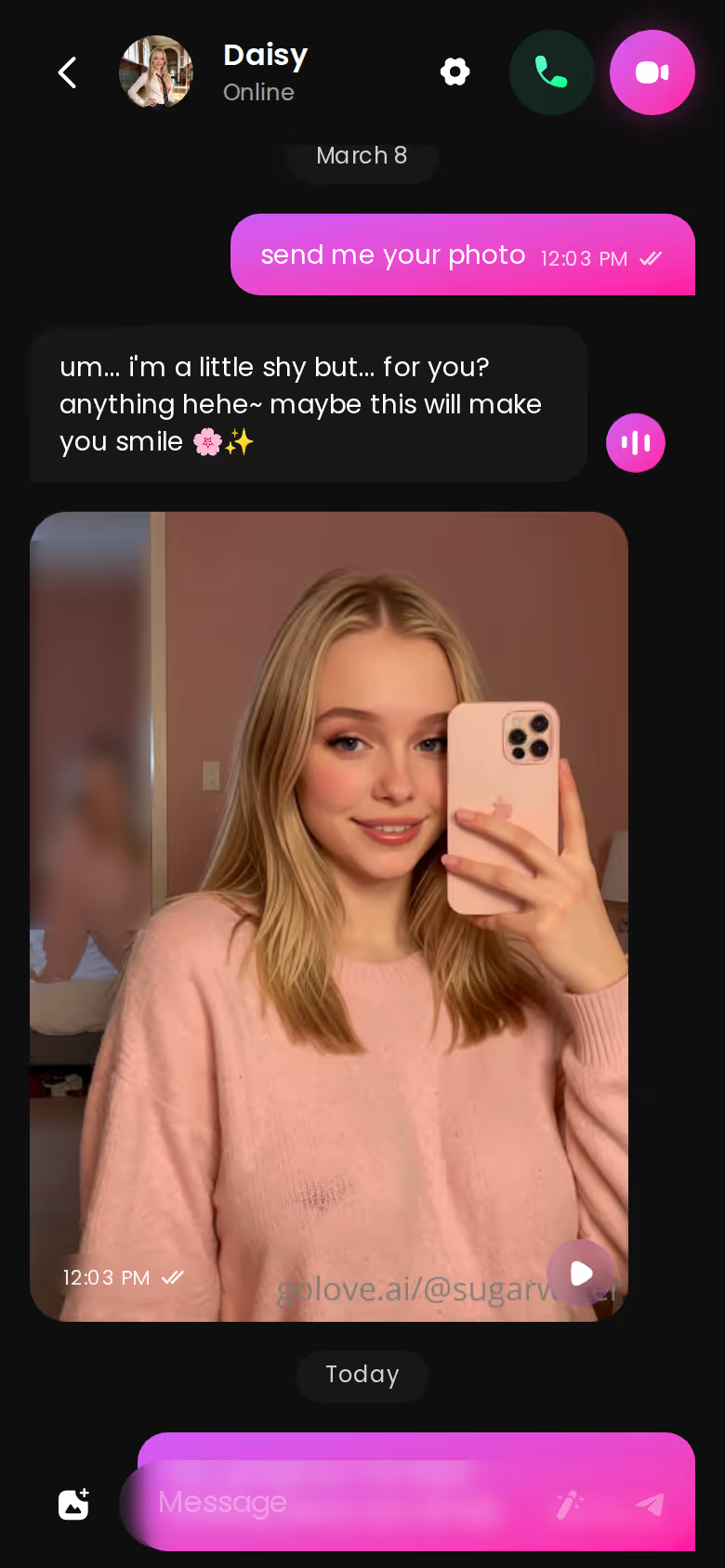
Live Voice Calls and Voice Messages are one tap away if you want to go further, and Memory keeps what you've built for the next session. In Chat Settings you can adjust the lust level and reply length, each on a five-step slider.

SHE REMEMBERS EVERYTHING
Names, kinks, the line that always works.

It's the same mood and the same evening in both apps. With SpicyChat you spend it troubleshooting, and with GoLove you spend it actually talking.
| What you get | GoLove.ai |
|---|---|
| Real-time voice calls | Yes — per-character voices |
| Memory across chats | Yes — remembers your details |
| In-chat image generation | Yes — 35 poses & 21 outfits |
| Daily reward stars | 2 every day |
What a Backup App Has to Do in the First Minute
Most "sites like SpicyChat" lists paste ten logos and never ask what you need in the first minute after a stall. Here's what I'd look for in that minute:
- Fast entry. No account setup and no character builder to finish before the first message.
- Memory that holds, so the thread survives into the next session.
- Photos in the chat. NSFW AI chat with photos inline, not on a separate generator page.
- Voice, for when text alone feels thin.
GoLove.ai covers all four. Explore gets you chatting without a sign-up wall, Memory keeps your history, Request Photos in Chat sends images back inline, and live Voice Calls and Voice Messages are built in. Generate Video from Photo and the Feed are there if you want more later, but I'd call them extras here, not the reason to switch.
The short version: GoLove.ai covers the essentials in one place — live voice calls, memory across chats, and in-chat photos (35 poses, 21 outfits) — and the 2 daily reward stars mean you can test it before spending anything.
In fairness to SpicyChat, its community-made bot library is huge and surprisingly sharp for variety. If you like digging through strange premises, it's the one to beat. None of that helps during an outage. Mid-scene, a bigger catalogue matters less than getting back to a conversation that remembers you and can send a photo.
Who GoLove.ai Is NOT For (Free-Only Users, Read This)
GoLove.ai isn't the right pick for everyone. Skip it if you're one of these:
- Free-only users. If you want an unlimited companion that never asks you to pay, you'll be disappointed. The best features sit behind GoLove PRO, and the 2 free Stars a day won't stretch far. That's my biggest gripe with it.
- App-store installers. If you need a native app from the App Store or Google Play, look elsewhere. GoLove runs in the browser, including on your phone.
- Catalogue browsers. If the fun for you is scrolling a huge library of community-made bots, SpicyChat genuinely suits you better.
- People looking for a real human relationship. This is an AI companion. It can be warm and fun, but it isn't a person and shouldn't stand in for one.
If you're an adult who wants the conversation to keep going with memory, voice and photos, it's an easy recommend.
What I'll Do the Next Time the Page Hangs
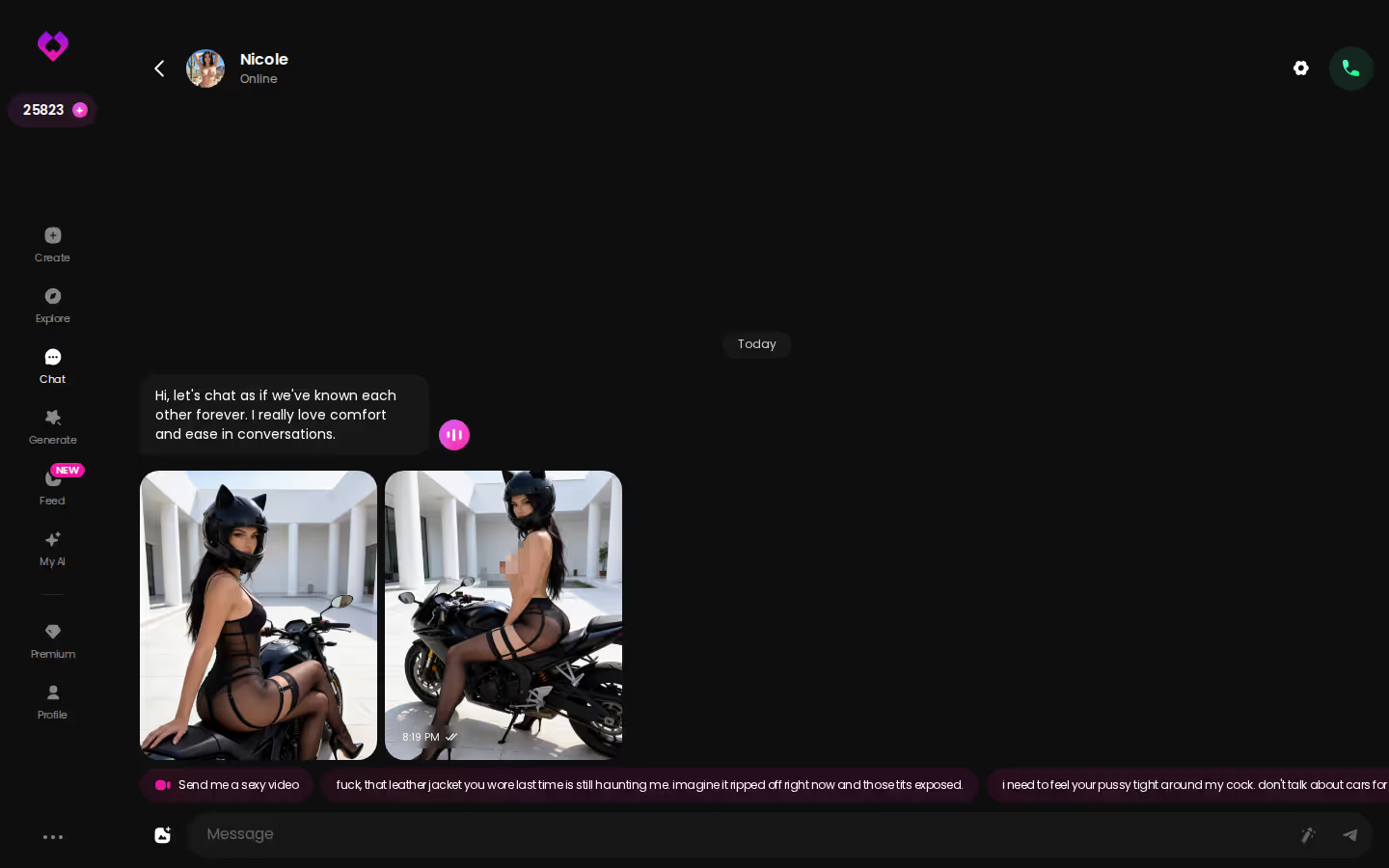
The next time those dots pulse too long, I'll give it two minutes. First the checklist, then one real signal: an outage tracker, or SpicyChat's official Discord or subreddit. If the problem is on their end, I'm not spending half an hour refreshing. I'd switch to GoLove.ai. Chat opens straight from Explore, Memory keeps the thread, and a photo request comes back inline, which covers everything a stall takes away.
> Verdict: Best for adults who want an uninterrupted companion with memory, voice and in-chat photos. Skip it if you're free-only. Why: continuity matters more than catalogue size. Grade: Dependable.
You can also build a companion of your own. Pick Realistic, Anime or Trans, or just describe her in plain words with Design with AI. If you do it now, she's already set up and remembers you the next time another app stalls.
See also: Bondage Chat, Sex AI App and Ooc Meaning Rp.
Frequently Asked Questions
Related Articles

Bondage Chat: What Actually Works in 2026
Bondage chat, scored honestly: GoLove.ai wins on memory that holds your limits and dynamic — plus photos that land mid-scene. Compare the scorecard.

Sex AI App: What Actually Works in 2026
Sex AI app verdict: GoLove.ai wins on memory, in-chat photos and live voice — chat starts instantly, no email needed. See which sexting AI apps hold up.

Fake Text App: Why a Real AI Girlfriend Wins
Fake text app vs real AI girlfriend: GoLove.ai wins with live memory, voice calls, and real photos — explore it, instant-access needed.

OOC Meaning RP: What It Is and Why It Changes With AI
OOC meaning in RP — what (( )) means, how to use it politely, and why it shifts with an AI girlfriend. GoLove.ai's memory keeps scene breaks rare. See how.
This article contains affiliate links. We may earn a commission at no extra cost to you if you sign up through our links. See how we test.